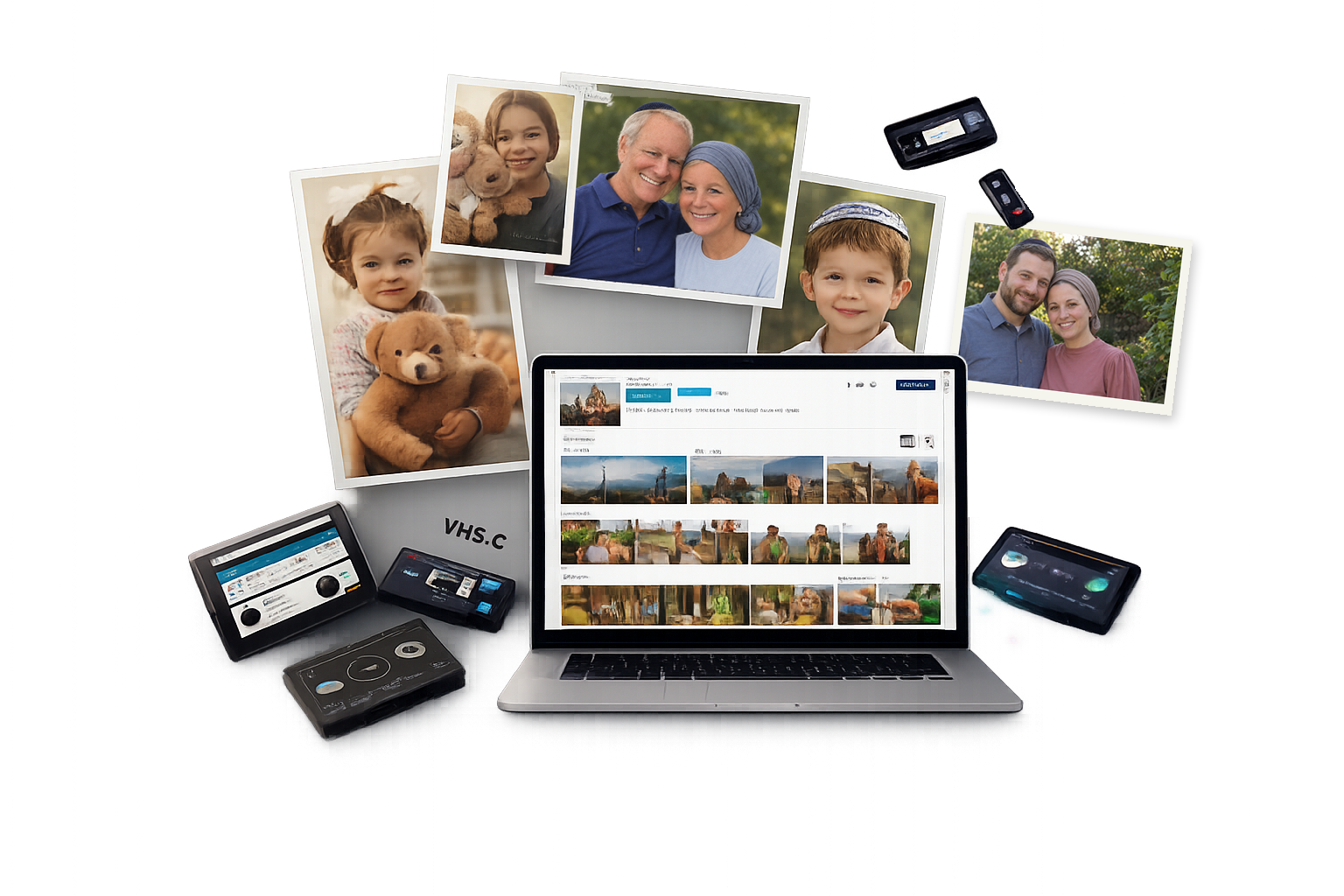
Preserve what matters most
Your old photos, tapes, and home movies, turned into digital files your family can actually watch and share – safe for generations, not just for now.
Digitize
Your memory‑keeping helper.
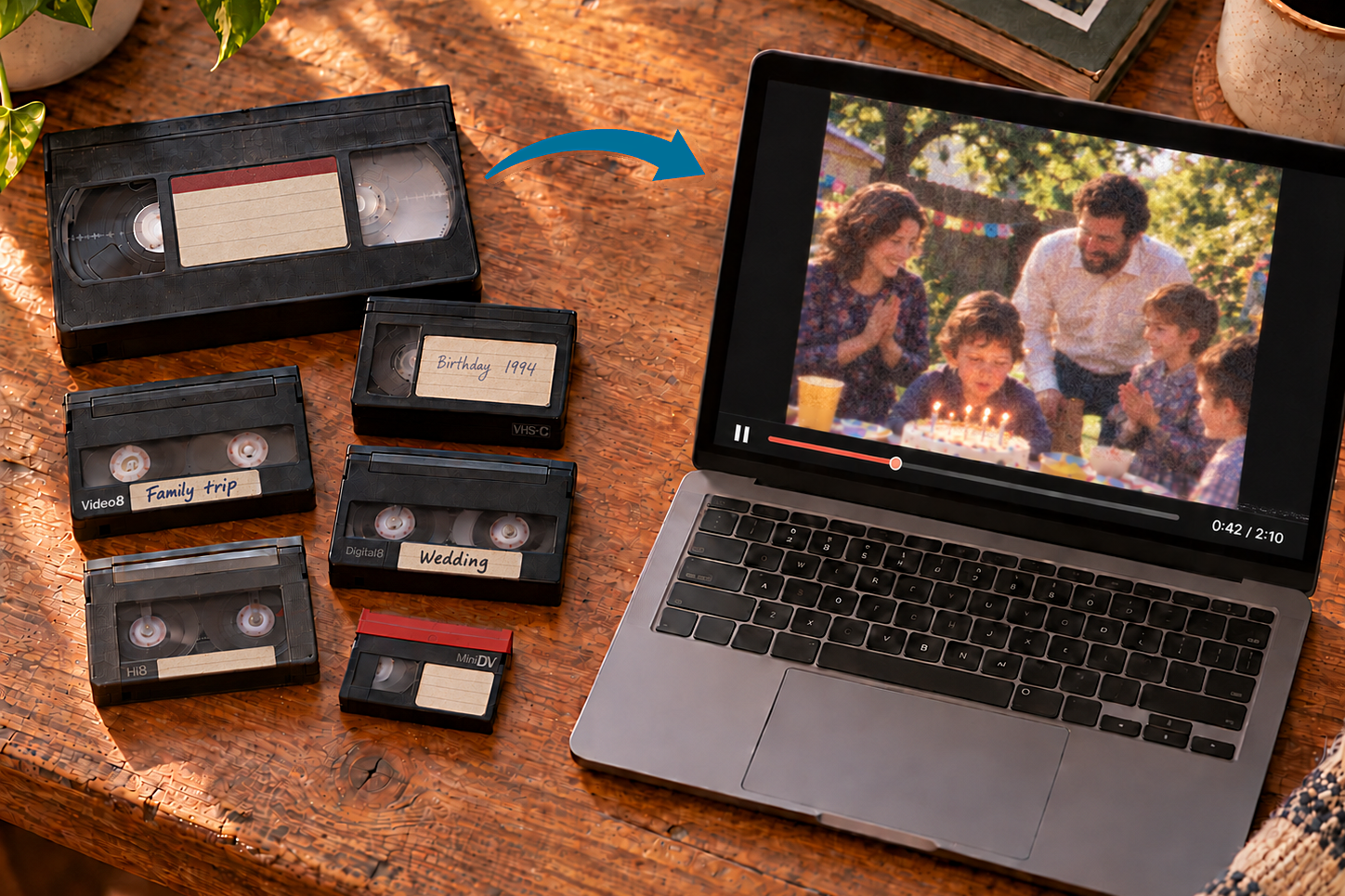
Videotape Digitization
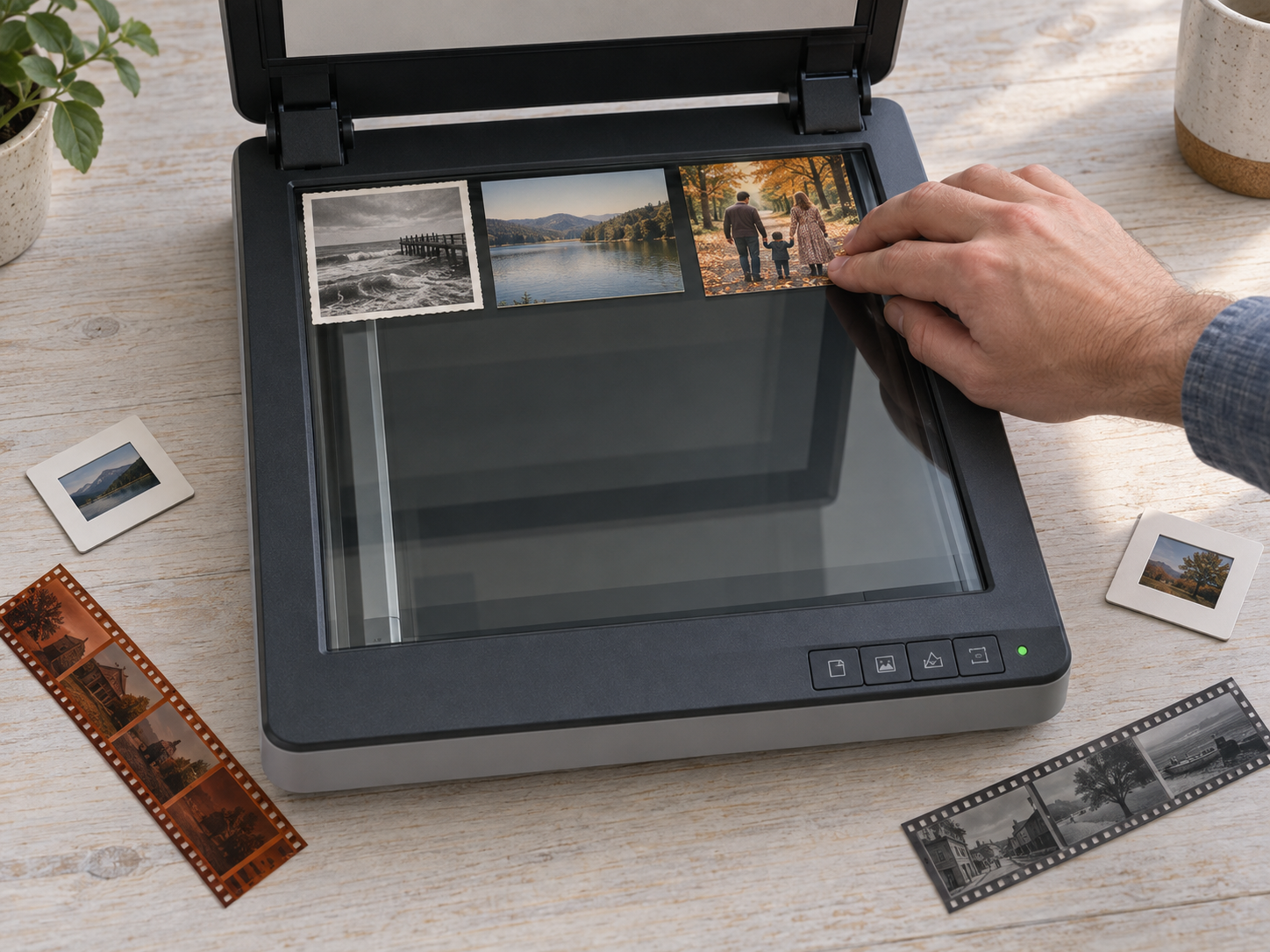
Photograph Digitization
Every photo has a story behind it. I turn printed photographs, photo albums, slides and negatives into high-quality digital files you can enjoy and share, and your originals are handled with care the whole way through.
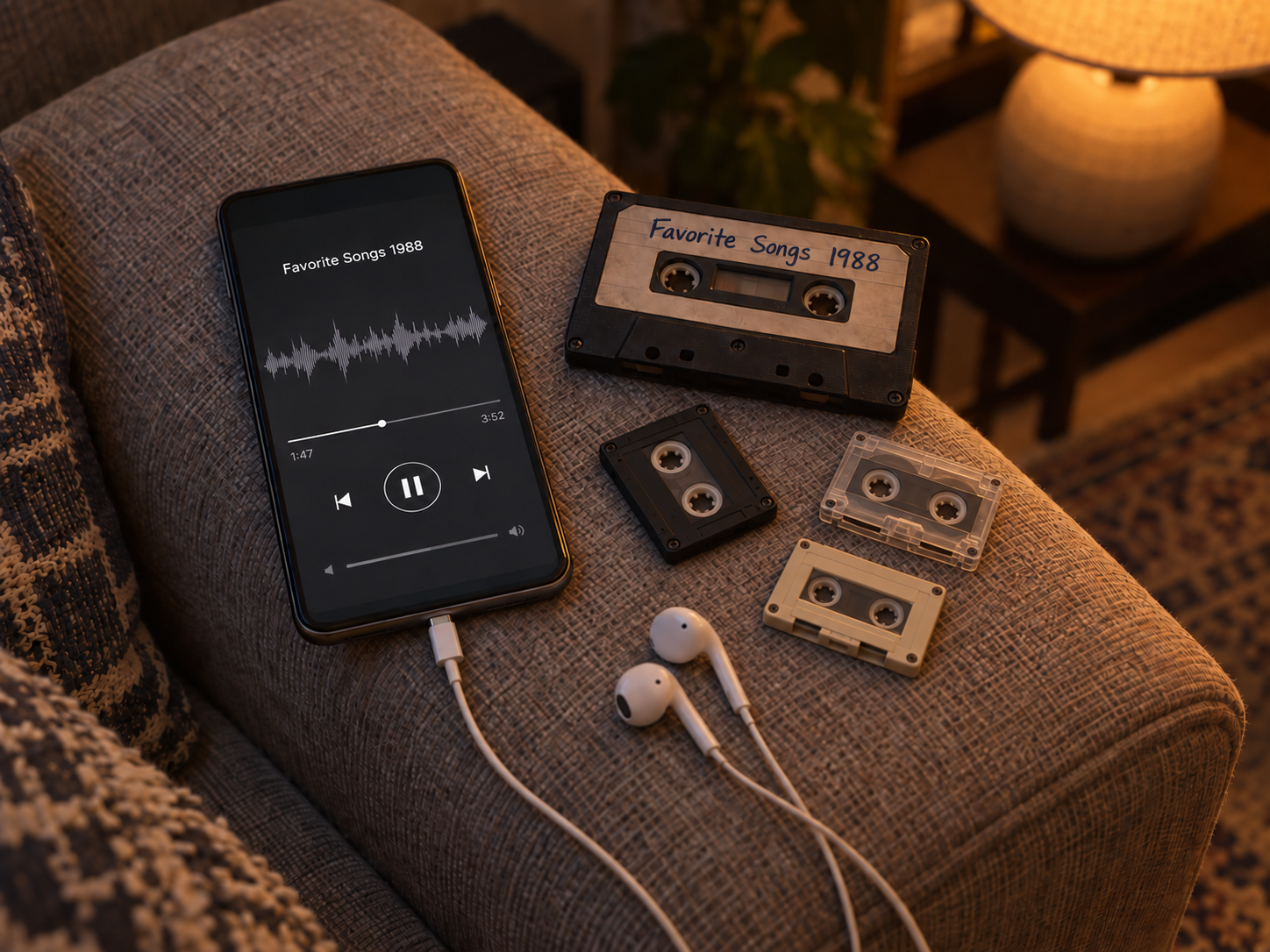
Audio Cassette Digitization
Voices, music, and memories deserve to be heard again. I carefully convert audio cassettes and microcassettes, bringing them back as clear digital files you can revisit anytime.
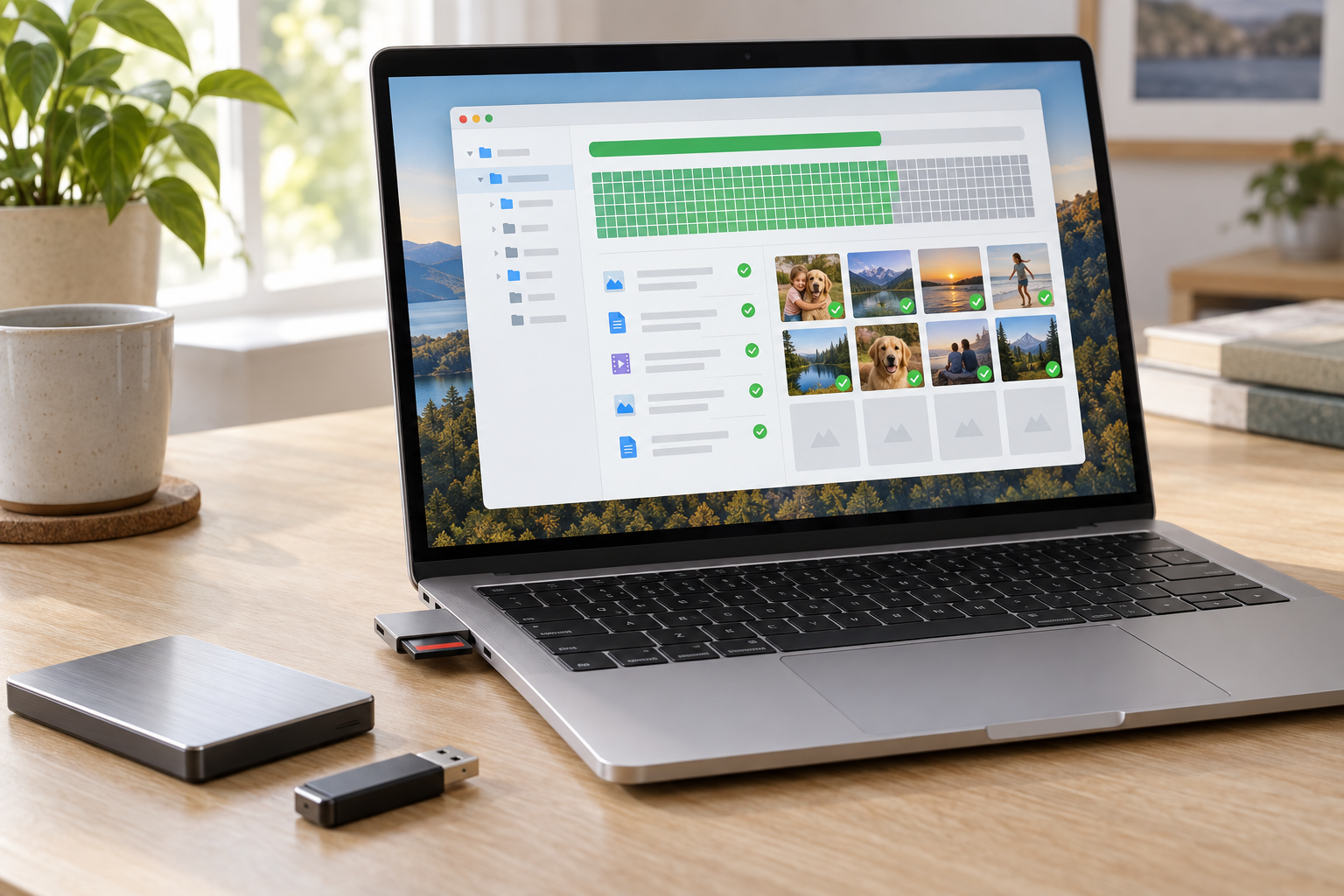
Data Recovery
When data feels lost, there’s still hope. We recover deleted, lost, and corrupted files, helping bring back the files you thought were gone.
External hard drives. External solid state drives. Memory cards (SD / microSD). USB drives. Phones. Camcorders.
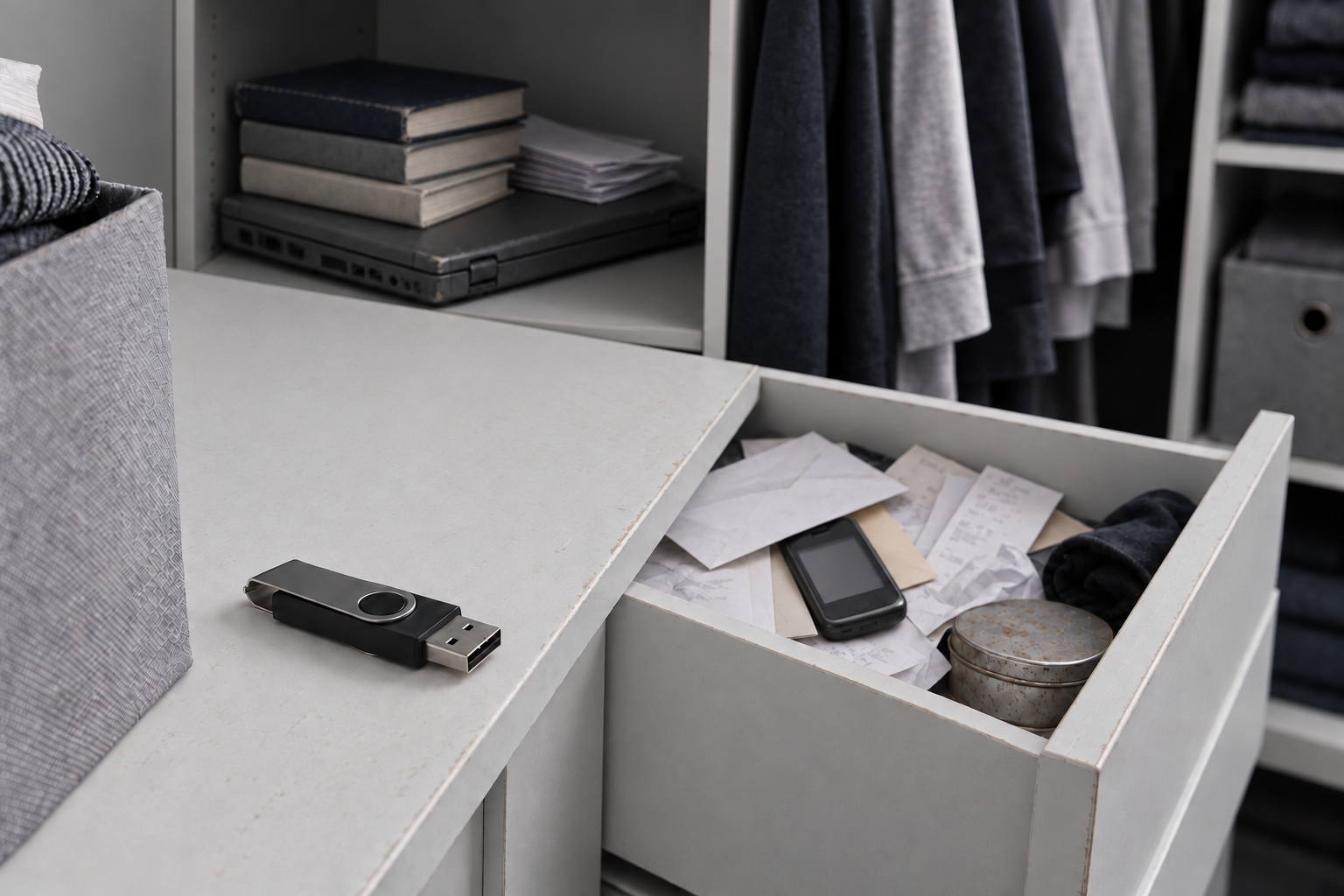
Data Transfer
Old phone in a drawer? Old laptop in the closet? I move your photos, videos, documents, music, and everything else off your old devices and onto a USB drive, so nothing gets left behind.
Phones, memory cards, hard drives, CDs, DVDs, and Blu-ray.
Phones. Computers. Tablets. External drives. Discs. MP3 players.
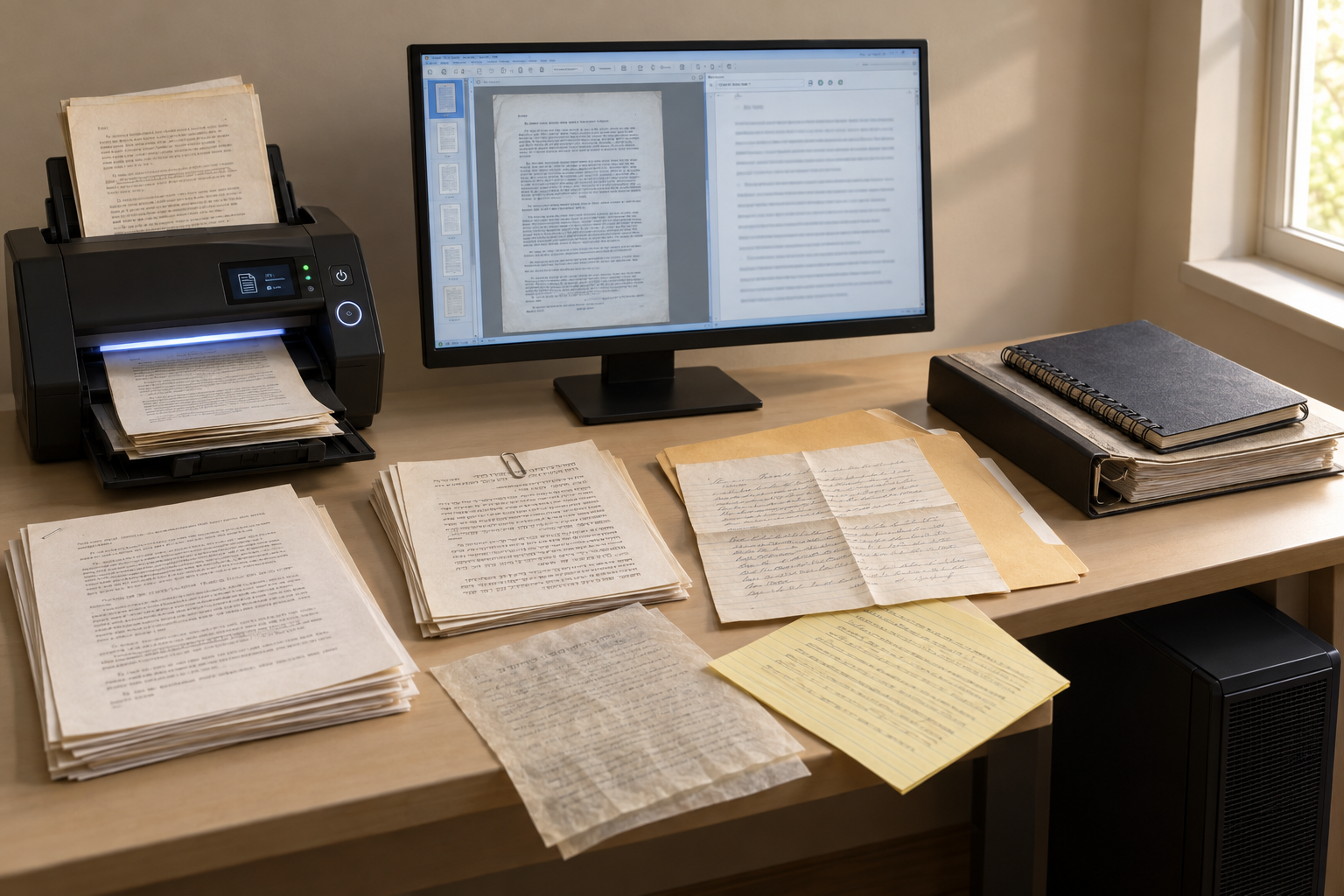
Document Digitization
Papers too important to throw out, too bulky to keep? I scan your documents – typed or handwritten – into digital files that outlast the paper itself. Have typed papers you want as an editable file? I use optical character recognition (OCR) so the text becomes searchable and editable – not just a frozen PDF, but a document you can open and change in Word or whatever editor you like. English, Hebrew, any language, as long as it’s typed. Same thing for a scanned PDF already on your computer. Just want them scanned? That’s fine too.
OUR COMMITMENT
What you can count on from me.
Bring me your tapes, photos, and files, and I’ll treat them like they’re my own family’s. I’m based in Spring Valley, and every order is handled by me personally – carefully converted, checked, and returned ready to watch, share, and pass down.
I’ve been digitizing for more than 5 years. I use modern equipment and careful handling, but what you’re really getting is someone who answers to you directly.
That’s the whole business – making sure what matters to you doesn’t get lost.

Your memories deserve to last.
Old photos fade. Tapes wear down. Tape that has sat in a hot attic or a damp basement can turn brittle or grow mold.
The machines get hard to find, too. Most people no longer own a VCR or a camcorder that works, and a hard drive in a drawer can stop spinning without warning.
Once it’s copied to a file, you can make backups, and a copy doesn’t wear out the way a tape does.

PERMANENT
For today and every tomorrow.
Life moves fast. From everyday moments to once-in-a-lifetime milestones, memories can fade if they’re left behind on aging media.
At Media Reviver, we believe your memories deserve more than temporary storage or fragile formats. That’s why we focus on long-term preservation, digitizing, securing, and restoring your photos, videos, audio, and files so they’re protected today and accessible for generations to come.
Because preserving your story shouldn’t come with an expiration date.

YOURS
A safe home for your life’s memories.
At Media Reviver, your photos, videos, audio, and files remain exactly that—yours. We focus on privacy, protection, and long-term preservation, ensuring your memories are securely digitized, carefully handled, and never compromised.
No distractions. No shortcuts. Just a trusted way to preserve, organize, and enjoy the moments that matter most—now and for generations ahead.
SOCIAL PROOF
Super Easy
& Fast Process
Tapes & Photos Digitized
Many have trusted Media Reviver with their memories.
What customers are saying.
Strongly recommend!! Mordechai does incredible work!:) He absolutely saved years and years of memories that I thought were lost.. He's the best of the best!Nissi Merenstein
I had a fantastic experience using Media Reviver! Media Reviver quickly diagnosed the issue with my phone and was able to recover all of my data. Throughout the whole process they were patient, clear, and took the time to explain everything in a way that was easy to understand. The pricing was extremely reasonable—especially considering that Apple would have charged me far more just for the diagnosis alone. I highly recommend Media Reviver to anyone who needs reliable, honest, and affordable tech help!Zevy Krupka
I used Media Reviver and hired Mordechai to convert my wedding video from VHS to a digital format. He did a great job, the video looks great and he did it in a very efficient and timely manner.david turner
See more reviews
What an incredible experience from start to finish! Professional, responsive, and easy to communicate with—he made the entire process seamless. Every question I had was answered promptly, and he was always one step ahead, anticipating needs before I even asked. When working with such sentimental and irreplaceable video footage, it’s crucial to have someone who is trustworthy, competent, and detail-oriented. He exceeded all expectations. I truly couldn’t have asked for a better partner for this project.Hillel Goldscheider
It was a pleasure working with Media Reviver! They did an outstanding job converting my mini DVs into digital and they did real quality job and the videos are were labeled. I am so glad that I used them! Definitely 5 star service!!Daniel Marvet
We had a great experience. Done in good timing we had a professional conversion from our VHS onto a flash drive of 8 family videos. so happy. great service.Mindy Lazarus
Mordechai blew me away with the editing job he produced almost overnight. It was a first-time challenge Mordechai took on and he came through with flying colors. I am thrilled to highly recommend my former student, Mordechai for any and all photo needs.Mark Berkowitz
I've used this guy's service before; his name is Mordy. He does excellent work, quickly, with high quality, and he's honest and very kind. I highly recommend him.👍Tony Huynh
Was a pleasure to work with Service was better than expected I would definitely recommend to anyone on need of media recoveryS&D Ansbacher
I had a fantastic experience getting my Galaxy Tab S10 screen repaired here. The process was incredibly easy and seamless from start to finish. If you need a quality repair with zero hassle, this is the place to go!Moshe
I’m always happy to answer your questions.
Call or text (845) 734-3361
WhatsApp (315) 274-2327
Email mediareviver1@gmail.com
FAQS
Glad you asked.
What formats do you convert?
• Videotapes: VHS, VHS-C, Betamax, 8mm, Hi8, Video8, Digital8, MiniDV, MicroMini
• Movie Films: 8mm, Super 8, 16mm (with and without sound)
• Photos: Photo prints, slides, negatives
• DVDs, MiniDVDs
Will you return my originals?
Yes, all originals will be shipped back to you after they are converted to digital. Please do not send adapters, cameras or personal artifacts (envelops, letters or notes) with your order. Allow 3 weeks after your order is processed for the return of your originals. Shipping fees apply.
How long does it take?
Once we receive your order, you will receive an email notification within 5-7 days to review and pay for your order to be processed.
How much does it cost?
So what do you actually do?
My digital camera shows a memory card error. What should I do?
My computer says my USB flash drive, external hard drive, or memory card needs to be formatted. Should I?
My external hard disk drive is clicking, fell, or doesn't show up on my computer. Can you recover it?
I forgot my phone, tablet, or device's passcode - can you still get my data off it?
My device won't turn on, and my stuff was never backed up. Can you still get it off?
Good question – and yes, in most cases I can. Here’s the honest picture: if your stuff was never backed up, it only exists on that device. So the whole job is getting it to come back on, even just for a few minutes.
First thing: plug it in and leave it charging for at least half an hour. A battery that’s completely drained makes the device look dead when really nothing’s wrong with it. And if you’ve got another cable and charger around, try those too – bad cables fool a lot of people.
Still nothing? Try a force restart. That’s just a button combination that makes the device reboot – it doesn’t erase anything. On an iPhone: press volume up, then volume down, then hold the side button until you see the Apple logo. On a Samsung or any other Android: hold the power button and volume down together for about 10 to 15 seconds.
If none of that brings it back, it’s probably the battery. A new one is something you can order and put in yourself if you’re comfortable with that. And if you’d rather not, or a new battery doesn’t do it either, reach out – I’ll take a look and tell you straight whether it’s worth pursuing before you spend a dollar.
Do you charge if you can't recover my data?
How do I get my files back?
What can I open the files on?
Can you digitize old camcorder tapes?
Can you get the video off a miniDVD?
My videotape is really sentimental, but the background noise makes it hard to hear. Can you remove it?
My old audio cassette has a lot of hiss and noise. Is that fixable?
So what do you actually do?
My digital camera shows a memory card error. What should I do?
My computer says my USB flash drive, external hard drive, or memory card needs to be formatted. Should I?
My external hard disk drive is clicking, fell, or doesn't show up on my computer. Can you recover it?
I forgot my phone, tablet, or device's passcode - can you still get my data off it?
My device won't turn on, and my stuff was never backed up. Can you still get it off?
Good question – and yes, in most cases I can. Here’s the honest picture: if your stuff was never backed up, it only exists on that device. So the whole job is getting it to come back on, even just for a few minutes.
First thing: plug it in and leave it charging for at least half an hour. A battery that’s completely drained makes the device look dead when really nothing’s wrong with it. And if you’ve got another cable and charger around, try those too – bad cables fool a lot of people.
Still nothing? Try a force restart. That’s just a button combination that makes the device reboot – it doesn’t erase anything. On an iPhone: press volume up, then volume down, then hold the side button until you see the Apple logo. On a Samsung or any other Android: hold the power button and volume down together for about 10 to 15 seconds.
If none of that brings it back, it’s probably the battery. A new one is something you can order and put in yourself if you’re comfortable with that. And if you’d rather not, or a new battery doesn’t do it either, reach out – I’ll take a look and tell you straight whether it’s worth pursuing before you spend a dollar.